
Businesses overlook contract terms, compatibility checks, data security protocols, and timing strategies when renting computer equipment. These mistakes cost thousands in hidden fees and lost productivity.
And honestly, you’re not alone if you’ve been hit with surprise damage penalties or dealt with rental technology that couldn’t run your software. We know rental agreements aren’t exciting reading. When you’re racing to meet project deadlines, it’s tempting to skip the details and just get the gear in your employees’ hands.
Through years of working with Brisbane businesses handling the computer hire market, we’ve seen these tech rental mistakes derail budgets and timelines. However, most of these problems are completely avoidable when you know what to look for.
This guide gives you clear direction to avoid costly errors around contracts, security, compatibility, software installation, and planning.
Let’s ensure your next rental supports your business plan instead of creating new problems.
Why Tech Rental Mistakes Hit Your Bottom Line
Tech rental mistakes hit businesses where it hurts most: your wallet and your schedule. What starts as a simple computer rental can spiral into unexpected costs that weren’t anywhere in your original business plan.
For example, damage fees and late return penalties can quickly add extra costs, sometimes doubling what you originally budgeted for the hire. One Brisbane company we worked with got slapped with $800 in “normal wear” charges they never saw coming (and the damage adds up fast).
Equipment failure from compatibility problems means your employees sit idle while deadlines slip. That’s lost money every single day your team can’t perform their work.
Poor planning around rental periods forces last-minute decisions, and both rush orders and extensions eat into your budget. When your project funding depends on staying within limits, these mistakes create financial headaches that threaten your entire business strategy and investment returns.
Skipping the Fine Print: What Rental Agreements Hide
Rental agreements hide extension penalties, damage definitions, return conditions, and auto-renewal clauses that can triple your expected costs if you don’t read carefully. In our experience, contract surprises are the number one mistake that derails a solid business plan.
These are the contract details that cause the most trouble if you overlook them:
Hidden Fees That Catch Businesses Off Guard
Most companies don’t advertise delivery charges, setup fees, and insurance costs upfront. They bury these service costs in the fine print, which add up to real money quickly.
Early termination penalties can cost hundreds if your project timeline changes or ends sooner than planned. These can blow your budget before you even start.
Damage assessment fees apply even for normal wear, not just obvious breaks or scratches. One organisation we worked with paid $350 for a “worn keyboard” on a computer they’d used for basic office tasks.
Return Conditions and Damage Penalties You Should Know
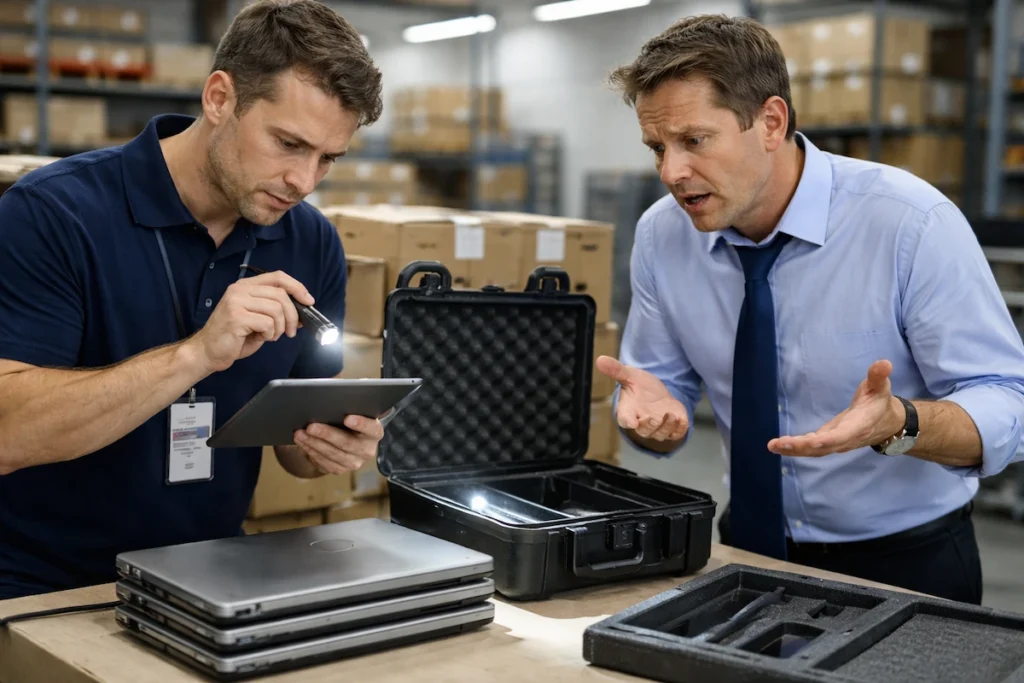
Rental companies determine “acceptable condition” differently, and their standards might surprise you at return time.
Some providers photograph every scratch and mark, holding you responsible for pre-existing damage from previous renters. But legitimate providers document equipment condition at both pickup and return, which gives you clear protection against unfair claims.
In many cases, missing accessories like chargers trigger replacement fees significantly higher than retail costs. We’ve seen businesses charged $80 for a $25 power adapter simply because it wasn’t returned with the equipment.
Keep in Mind: Return windows are strict, and keeping computer equipment past the deadline activates daily overage charges automatically. Even one day late can cost you.
Extension Terms That Lock You Into Bad Deals
Your project runs two weeks over schedule, and suddenly, you’re paying premium rates you never budgeted for. Now here’s where it gets tricky with most rental agreements.
Month-to-month extensions after the initial term often come at higher rates than the original daily pricing you agreed to. The company essentially has you locked in because finding alternative technology mid-project isn’t practical.
A few contracts auto-renew without a written cancellation notice, which traps you in unplanned ongoing charges. That’s why you should always check the cancellation responsibilities section of your agreement.
Once you’ve sorted contract terms and understand what you’re paying for, the next challenge is making sure the equipment itself matches what your business actually needs.
Compatibility Problems That Stall Your Business Plan
The best part about renting tech equipment is flexibility, but that advantage disappears when the hardware doesn’t match what your team actually needs.
This is where most people go wrong when they evaluate rental options. Rented laptops with outdated operating systems can’t run the current software versions your employees need for daily work. You can’t develop projects when your computer technology is stuck two versions behind what the programs require.
Also, network equipment that doesn’t match your existing infrastructure creates bottlenecks instead of solving capacity issues. This happens because most businesses don’t assess compatibility before signing rental agreements, and just assume that all systems work together automatically.
On top of that, screen resolution and graphics capabilities count for design work, but rental specs often skip these essential details. One Brisbane organisation hired computers for their creative team, only to discover the hardware couldn’t handle basic Adobe software.
That lack of technical knowledge cost them three days of lost productivity while they sorted replacement equipment.
Security Risks: What Happens to Your Data?
Your data on rental equipment faces security risks from incomplete wiping protocols, weak security configurations, and a lack of encryption during your rental period.
Many businesses overlook data security when booking computer hire services until a breach happens. But by then, the damage is done, and your company’s reputation takes the hit.
So here’s what you need to monitor:
Previous User Data and Wiping Protocols
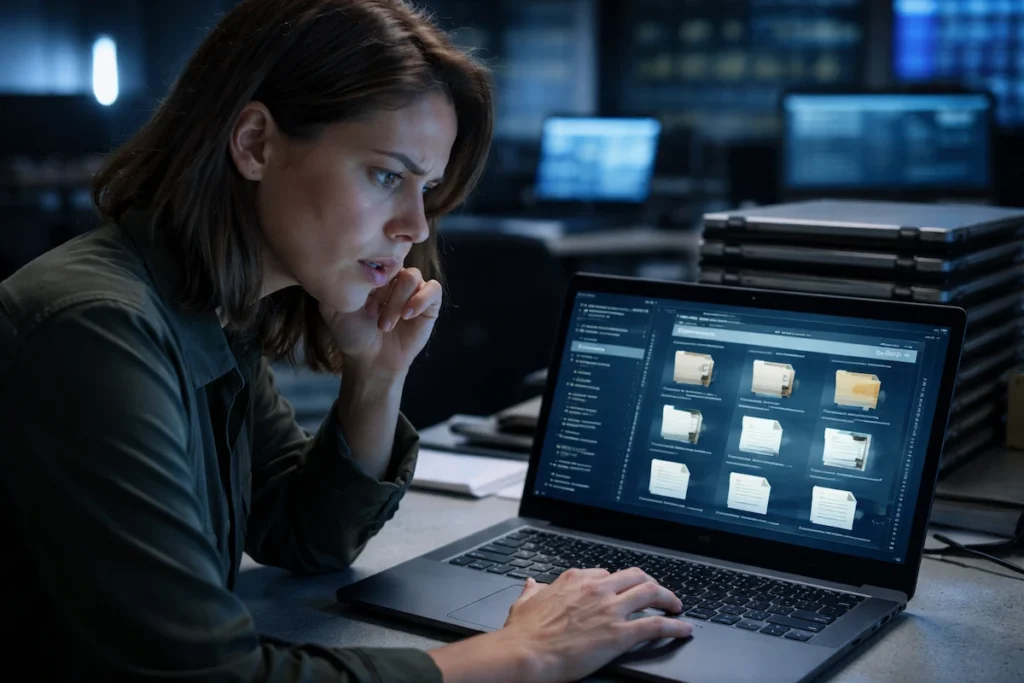
Not all rental providers completely wipe hard drives between users, leaving only traces of past company data behind. When previous user data remains accessible, it creates cybersecurity vulnerabilities where confidential information could be exposed to your team or leaked externally.
This happens surprisingly often, especially with short-term rentals that turn over quickly. The security gaps include:
- Incomplete Erasure: Factory resets don’t always remove everything, and recovery software can still pull old files from storage.
- Compliance Exposure: Shared devices without proper cleaning expose your organisation to compliance violations and privacy breach risks that could cost you significantly.
These oversights put your business data at security risks that most rental agreements don’t address.
Device Configuration Before Rental Delivery
Security settings should be locked down before equipment leaves the warehouse, but many providers skip this step entirely. Look out for these configuration problems:
- Weak Defaults: Pre-configured security settings vary wildly between providers, and weak defaults leave your network vulnerable to attacks. The proper setup requires technical knowledge that not all rental companies maintain consistently.
- Missing Protection: Antivirus software might be outdated or missing entirely, which requires immediate updates before you can use the equipment safely.
- Disabled Safeguards: Sometimes, providers leave firewall configurations and password protection disabled. That means you’re exposing data from the moment you connect devices to your system.
Getting equipment with proper security configuration should be standard, not optional.
Protecting Sensitive Information During Your Rental Period
Storing confidential client files on rental equipment without encryption creates liability if devices get lost or stolen. Without encryption, anyone accessing the hardware can read your files, customer details, and business plans immediately.
Cloud-based workflows can reduce this security risk, but many businesses still save locally without thinking about device turnover or what happens when the technology goes back.
So, before returning equipment, you should handle complete data deletion to protect your information (but most companies fail to properly wipe files). That leaves your business information on hardware that another organisation will rent next week.
Beyond security concerns, another question businesses ask is whether they can even modify rented equipment to fit their needs.
Can You Install Software on Rented Equipment?
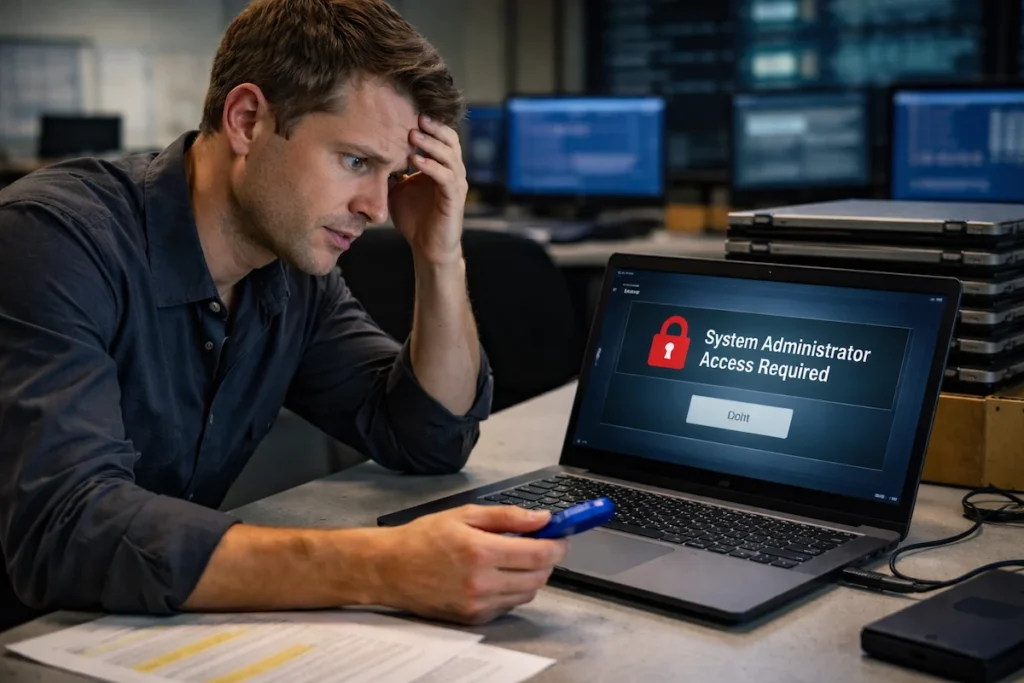
Software installation on rental equipment depends entirely on your provider’s policy, with most restricting admin access and requiring approval for any custom programs.
From our experience, most rental agreements restrict software installation rights, and violations can trigger early termination of your contract. The task of setting up your specific programs becomes complicated when you don’t have system access.
That’s where things start to differ. Provider policies vary dramatically. Some allow installations freely while others lock down administrator access entirely, which limits what your employees can do (annoying, but necessary from a security standpoint).
On top of that, rental providers rarely include training support for custom software, leaving your team to figure out setups alone. Usually, standard rental services don’t include the technical skills needed for proper software configuration.
Good to Know: Software upgrades during rental periods might trigger extra service fees. These unexpected charges can increase your overall rental costs if you’re not prepared.
Renting Outdated Hardware: When Equipment Can’t Handle Your Software
The fastest way to waste rental money is choosing equipment that can’t actually run the programs your team uses daily.
Here’s what happens when hardware specs fall short:
- Insufficient Processing Power: Graphic design and video editing software often push older rental machines beyond what they can comfortably handle. When you’re cutting corners on hardware specs to save money upfront, you’re setting up your employees for frustration and delays.
- Misleading Minimum Requirements: Minimum system requirements listed by software publishers don’t equal comfortable performance for real daily workloads. One Brisbane business hired computers meeting Adobe’s “minimum specs” only to watch their designers wait five minutes just to save files.
- Storage and Memory Bottlenecks: RAM and storage limitations on budget rental options force constant workarounds that waste valuable time and frustrate teams. Essential performance features like processing speed determine whether technology supports your work or becomes an obstacle that drains resources.
That’s why, before you book any computer rental, assess what your programs actually require to run smoothly.
Timing Mistakes That Derail Project Deadlines
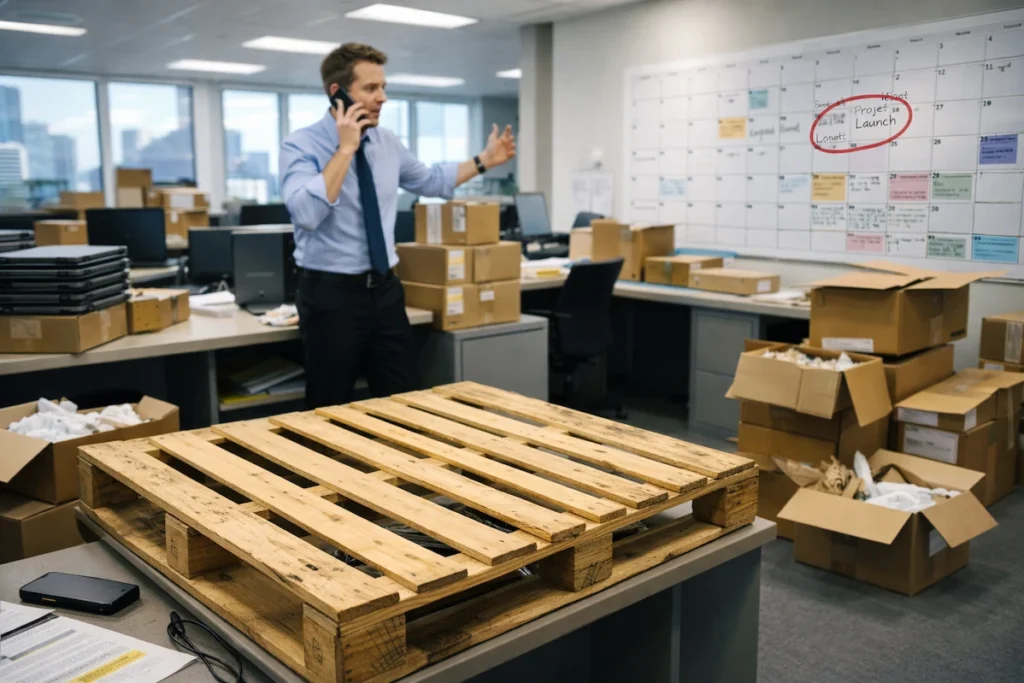
Now that you’ve sorted compatibility and security, timing becomes the next hurdle most businesses trip over.
Booking equipment two weeks before your event or project launch leaves no buffer for shipping delays or last-minute issues. The thing is, many businesses expect computers to arrive overnight, but short-term rentals during peak seasons often need three to five days‘ advance notice.
What’s more, peak season demand means popular computer equipment disappears fast, and waiting lists don’t help urgent needs. So plan your technology requirements well ahead of time to position yourself for success.
Fair Warning: Getting rental timing wrong can stall your entire business plan even when everything else is perfect.
Plan Ahead: Stop Rental Mistakes Before They Start
The best strategy for computer rentals is planning ahead rather than scrambling when you need equipment tomorrow. Down the track, businesses that develop clear technology plans avoid the mistakes covered here.
Start by reviewing rental agreements completely and assessing your software compatibility needs against actual hardware specs. Then check security protocols with providers upfront.
Successfully managing technology rentals means thinking through requirements early and choosing providers who offer the support and resources your organisation needs. If you’re interested in reliable solutions that support your business objectives, contact A Vintage Affair Rentals to discuss your computer hire needs.