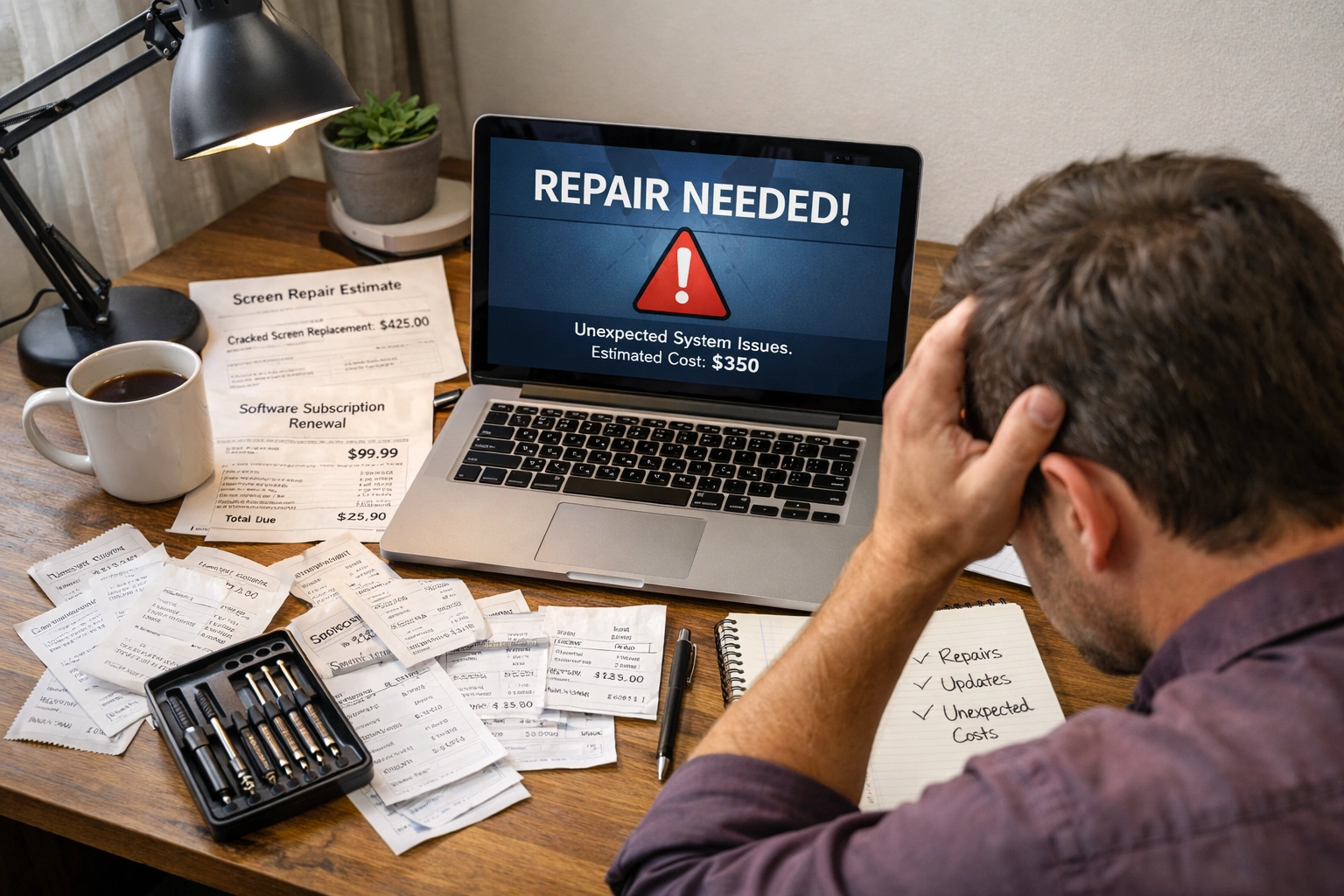
You spent a few hundred dollars (or a few thousand) buying a computer, and you thought that was it. Then the hidden costs start to pile up as repairs, software updates, and constant upgrades keep draining money you didn’t plan for.
We’ve seen that most people don’t realise how much owning a computer actually costs until they’re paying for the third repair in six months. But you can avoid that situation with a clearer view of the real costs.
This article breaks down the real computer ownership costs nobody talks about. Plus, you’ll see exactly where your money goes and how rentals skip these surprise expenses. So, keep reading to find out what’s really hitting your wallet.
What Really Drives Up Computer Ownership Costs?
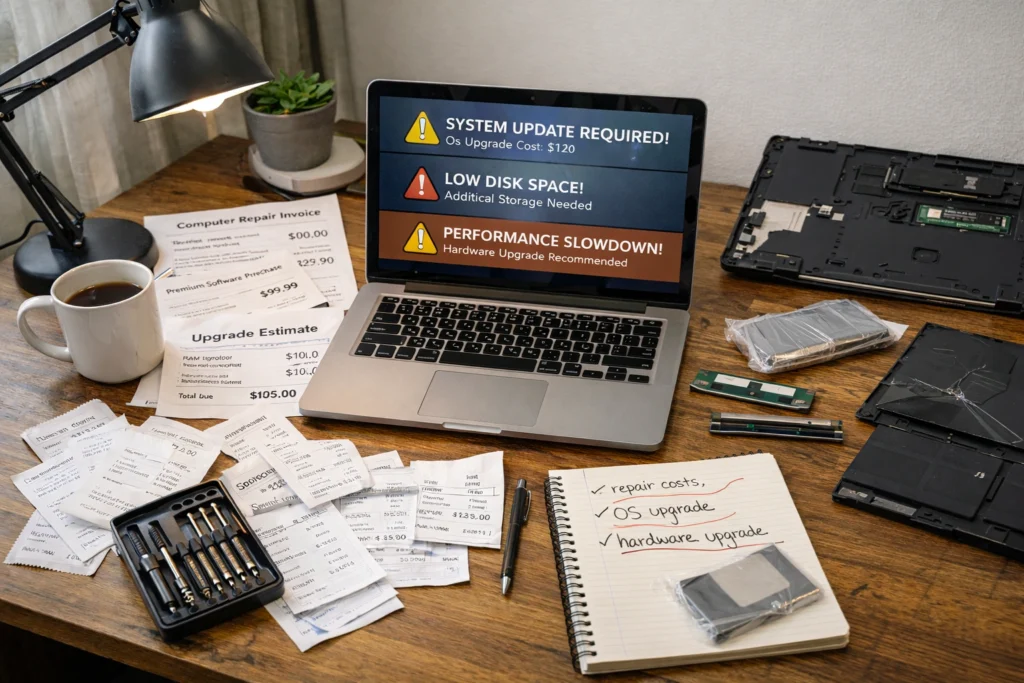
We’ve already mentioned that repairs, software updates, hardware upgrades, and unexpected downtime drive up ownership costs beyond the initial purchase price. However, the real issue appears after you bring your device home.
Let’s have a look at the most common issues that cost you thousands later:
Repair Bills Add Up Fast
Generally, motherboard failures alone can cost $200-500, even before technician fees. When that happens, a computer that worked yesterday suddenly needs costly repairs.
Sadly, those costs don’t stop there. Screen replacements, battery swaps, and damaged ports can keep draining your wallet every few months. And honestly, these repair bills rarely show up at a convenient time.
Besides, most warranties expire after a year. So when your device stops working properly, you’re the one paying a technician to sort it out.
Operating System Updates Aren’t Always Free
When your current operating system stops getting updates, you’ll need to upgrade it to Windows 11 Pro, which costs $359 in Australia. And you can’t even ignore this cost because it’s the base software to keep your computer running.
On top of that, you have to budget another $200-300 for essential software that only works with newer operating systems. Because the programs you rely on every day suddenly require the latest version to function.
On the flip side, if you use a Microsoft or Apple product, the costs will be stacking up every time they push a major update. Here, you have to buy new software licenses because your hardware is not supported by the new OS anymore.
Hardware Gets Outdated Faster Than You Think
Your 8GB RAM feels fine today, but most programs will demand 16GB within two years. Which means what works now well won’t cut it once you’re running multiple applications at once.
Sometimes, storage also fills up quickly with files, and upgrading from 256GB to 1TB costs $200-400 extra. In this situation, you either delete important work or pay for more space.
From our experience working with Brisbane businesses, graphics cards often fall behind once new software demands higher specs for everyday tasks. That’s how the hardware upgrade cycle never really ends.
Downtime Costs More Than You Realise
A broken PC means you’re stuck waiting days or weeks for repairs while your work piles up. With this inconvenience, you can’t access files or finish projects either, and deadlines don’t care that your device stopped working.
Believe it or not, freelancers and small businesses are the most affected here. They lose income every hour when their main computer sits in a repair shop (and yeah, we’ve watched that panic unfold many times).
In this situation, even backing up files and transferring data to a temporary computer eats up your productive time. Since you’re just trying to get back to normal instead of working on what truly brings you money.
Security Nightmares and Support Services
The scary part about computer security is how quickly small oversights convert into expensive disasters. One wrong click and you’re dealing with problems that cost huge money to resolve.
Here’s where the security costs really add up:
- Antivirus Software: Quality protection costs $45-120 yearly per device, and you really can’t skip it anymore. Because your computer needs this shield just to browse the internet safely. Generally, free versions don’t provide enough coverage when hackers are constantly finding new ways to break in.
- Ransomware Attacks: One virus can lock all your files unless you pay hackers thousands of dollars (not exactly the surprise expense you budgeted for, right?). Even careful users fall for phishing scams that look completely legitimate.
- IT Support Services: Sometimes, hiring professionals for virus removal or security setup runs $50-150 in Brisbane. Most people don’t know how to manage these security risks themselves, so you’re paying someone else to fix the problem.
- Data Breaches: Your personal information gets exposed when hackers access your system. This leads to identity theft headaches and financial losses that go way beyond just your computer. Your banks, credit cards, and passwords all become vulnerable to data breaches.
- Cloud Backup Services: You need to add another $10-20 monthly just to ensure your files don’t disappear forever. Without this safety net, one hardware failure or virus attack means losing years of work, photos, and important documents.
Verdict: These aren’t one-time costs. You’re paying for security every single year you own that device.

How Rentals Dodge These Hidden Expenses
The good news is that rentals shift all those surprise costs onto the rental company, so you pay one predictable monthly payment instead. And that’s where things get interesting with rental agreements.
When you rent a computer, you’re not just getting the device. You’re getting protection from every unexpected expense we just covered. Let’s explore the common advantages you will get when you rent a computer rather than owning it:
Repairs Are Handled for You
When you rent, rental companies fix or replace broken computers at no extra cost to you. The repair services are already built into your agreement. So, all you have to do is just report the issue, and they sort it out without surprise bills showing up later. No need to research technicians, compare prices, or wonder if you’re getting ripped off.
These benefits declare: No more budgeting for emergency repairs or hunting down reliable technicians in your area. If something stops working, you make one call and the rental company handles everything. You don’t even need to submit a claim or prove what happened.
Always Get Current Technology
Rental agreements let you swap to newer laptops when your current device feels slow. The upgrade options are already part of most rental plans.
That’s why you’re never stuck with outdated hardware that can’t run the programs you need. Software keeps demanding better specs, and rentals keep you up to date without the constant buying cycle.
Remember: Upgrading doesn’t mean selling your old computer and spending thousands on a new one. You just switch to a better device and keep working. No lost time here, no huge purchase to plan for.
Support Comes Included
Technical support is part of the rental package, so you don’t have to pay $100 per support call. Most rental companies provide unlimited access to help as long as you’re renting from them.
When something goes wrong, someone’s available to troubleshoot software issues or answer questions about your setup. You’re not Googling problems at midnight or watching random YouTube tutorials hoping they’ll work.
Through our work with rental clients, we’ve seen how renting simplifies support by avoiding multiple warranty providers. Because one company handles everything, and support services are already included in what you pay monthly.

What You Truly Pay: Ownership vs Rental
Let’s put some real numbers on paper. Here’s what a typical business computer costs over three years when you buy versus when you rent.
Expense | Buying & Owning | Renting |
Initial purchase/rental start | $1,200 | $0 upfront |
Monthly rental fee | $0 | $80/month ($2,880 total) |
Operating system upgrades | $359 | Included |
Hardware upgrades (RAM, storage) | $400-600 | Included |
Repairs (average 2-3 issues) | $500-800 | Included |
Security software (3 years) | $180-360 | Included |
IT support services | $300-500 | Included |
Total 3-year cost | $2,939-3,819 | $2,880 |
Bottom line: Ownership may look cheaper at first, but those hidden expenses close the gap quickly. On the flip side, with rentals, you know exactly what you’re paying every month. So you’re not scrambling when something breaks or needs an upgrade.
Your Next Move With Computer Rentals
Owning a computer means dealing with unexpected expenses that never seem to stop. Repairs, upgrades, and security costs add up year after year, and you’re always the one footing the bill.
Instead, rentals take that worry off your plate. You get a working device, complete support services, and no surprise expenses draining your budget. It’s a straightforward way to keep your business running without the ownership headaches.
If you’re in Brisbane and want to skip these hidden costs, A Vintage Affair Rentals has laptops and desktops ready for you. Check out our rental options today and find the right computer for your work without the surprise bills.