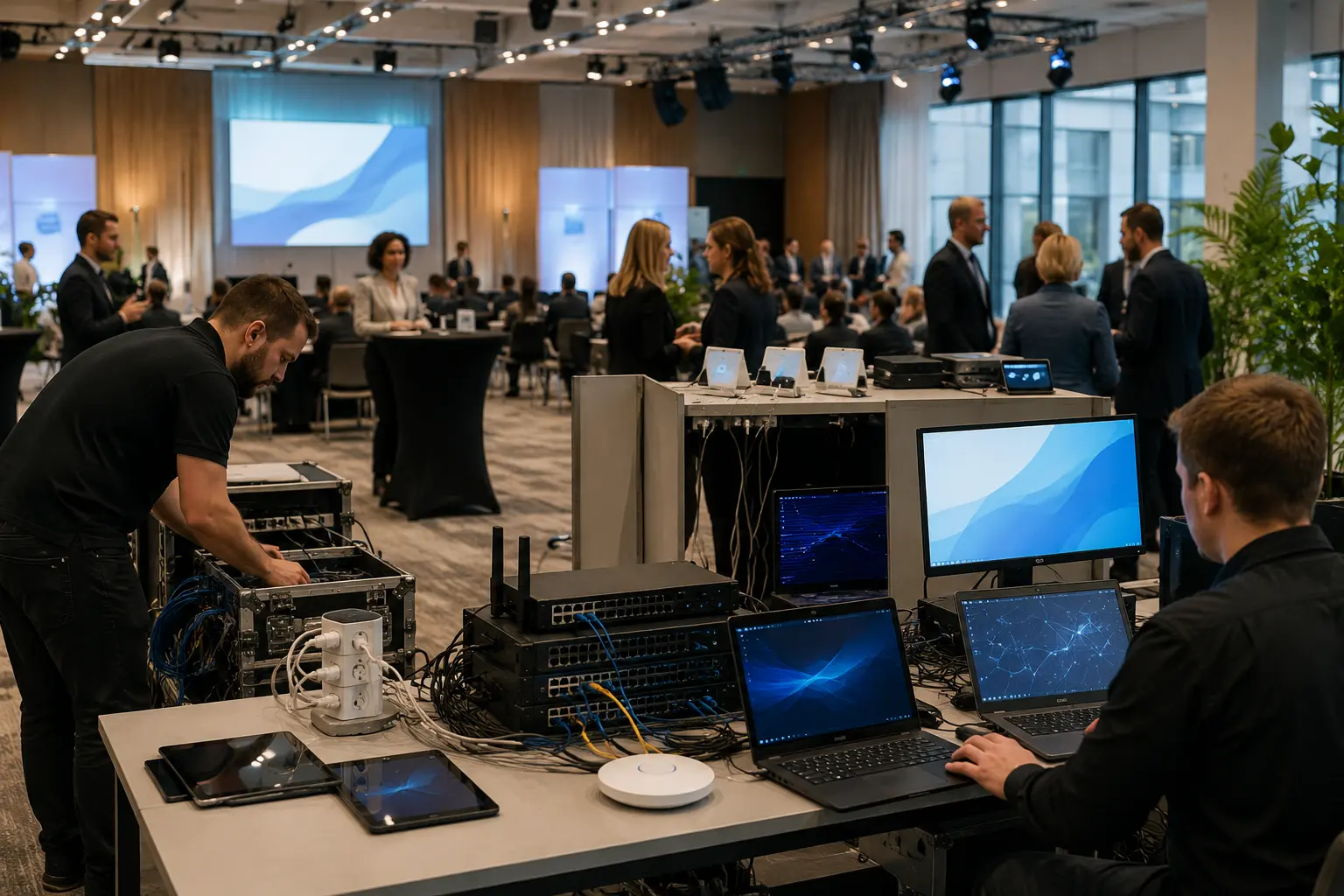
Temporary technology solutions support business events by providing the right equipment when you need it, without the expense of buying it outright. Many conferences and training sessions across Australia rely on rented laptops and AV equipment to keep everything running smoothly.
And there’s a good reason rentals are so popular. Technology powers almost every business event today, so attendees and presenters expect reliable gear. But buying all that equipment isn’t practical when you might only use it once a year.
Equipment hire solves this. A good rental company will supply the latest devices on flexible terms, handle setup, and collect everything once you’re done.
In this article, we’ll cover how to plan your event technology and choose the right equipment. You’ll also learn how to reduce common risks and pick a reliable rental partner.
Event Computer Rental: Building a Technology Strategy That Prevents Problems
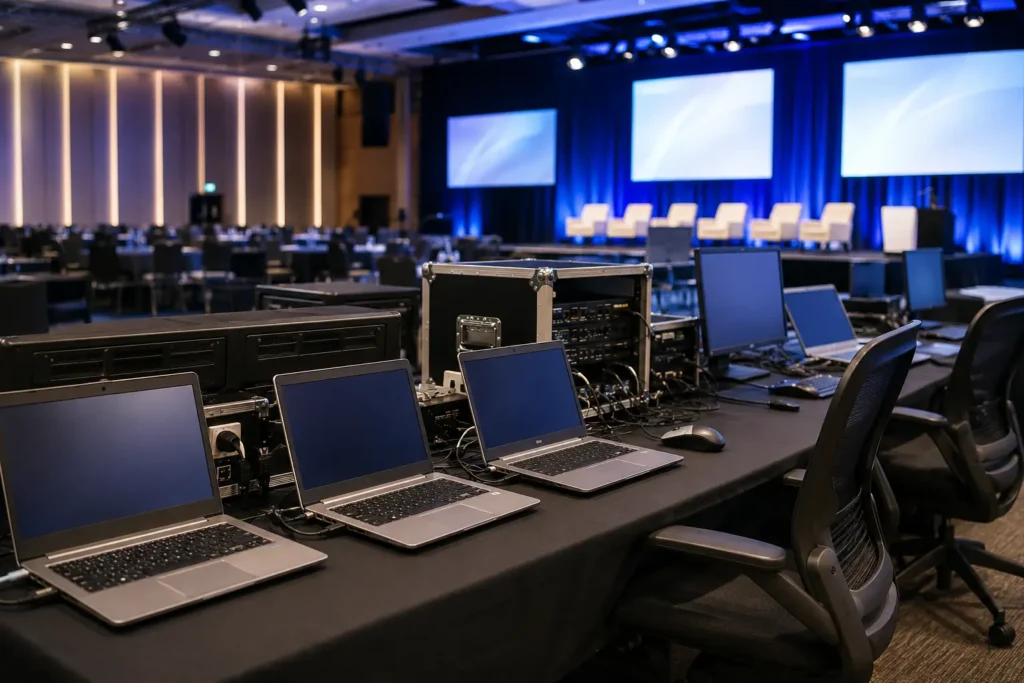
A solid technology strategy prevents most event problems before they start. When you plan your equipment hire early, you can match every device to a specific task and test everything in advance. That way, you avoid the panic of last-minute fixes.
Here are the steps that have the greatest impact.
Match the Technology to Your Event
Every occasion type calls for different gear. After all, a training session in Melbourne won’t need the same setup as a product launch in Perth. So before you contact a rental company, map out exactly what each session requires:
- Conferences: Laptop hire for speaker stations and large displays will cover most of your technology needs. As your event grows, you’ll also need reliable AV equipment to make sure everyone can see and hear clearly. It’s also important to check your Wi-Fi capacity, especially if hundreds of attendees will be connecting at the same time.
- Corporate Events: A mix of AV gear, registration tablets, and branded screens is pretty standard here. To put it in perspective, a corporate function in Sydney’s CBD might need 50 or more devices spread across multiple rooms.
- Training Sessions: Each participant usually needs their own device, which is where computer equipment rental really pays off. Providers can pre-install the required software on every laptop before delivery, so your team saves hours of setup time.
- Workshops: Smaller groups still need reliable tech. A few rented laptops with the right software loaded will keep things running without overcomplicating the setup.
- Product Launches: First impressions count, so high-resolution screens and quality audiovisual (AV) systems should be part of your plan. It’s also worth having backup gear on standby in case anything fails during the presentation.
- Exhibitions: These setups often use tablets, touchscreens, and monitors that need to run for long hours. The amount of equipment you need also depends on your available floor space. And technology rental makes it easy to add or remove devices as your setup changes.
- Temporary Office Setups: Equipment hire on flexible terms saves you from buying hardware you won’t need once the project wraps up. This makes it a practical choice for short-term projects or pop-up offices that need desktops, printers, and networking gear.
Once you’ve matched the right gear to each event type, put it all into a checklist. A simple planning checklist helps you confirm quantities, software needs, and delivery timelines well ahead of the event date. It also reduces unexpected costs since you’ll spot gaps early instead of paying rush fees later.
Reduce Risk Before the Event Begins
Most event tech failures are preventable. The trouble is, many organisers skip basic testing and don’t prepare a backup plan. A few simple steps in the weeks before your event can save you from serious trouble on the day.
Start by ordering a few spare laptops or tablets from your rental provider. If a device stops working during the event, a backup can replace it straight away and keep everything running. Next, check that every rented device supports the software your presenters and attendees need. Most rental companies can install operating systems and programs ahead of delivery, so let them know your requirements early.
It’s also a good idea to test the venue’s Wi-Fi prior to the event. Slow internet can quickly disrupt live demos and video calls. We recommend asking your rental provider to deliver the equipment at least a day early. This way you’ll have time to power everything on, check the cables, and test your presentations.
Before the event begins, also confirm that your provider securely wipes all rented devices between hires and follows proper security practices to protect your data.
When Renting Makes More Sense Than Buying
Buying tech makes sense when you use it daily. But for one-off events or seasonal projects, renting almost always comes out ahead.
So for short-term projects like a two-week training program, rental lets you pay only for the days you actually use the devices. If your project will run for three to six months, long-term hire can be a better option. It gives you access to the latest equipment for a fixed monthly cost, while the rental company handles maintenance.
Purchasing, on the other hand, costs more upfront and leaves you responsible for storage and disposal once it reaches the end of its useful life.
In contrast, renting also scales easily. For example, if your attendee numbers jump from 50 to 200, a provider can adjust device quantities to match. And when the event ends, the provider collects everything, so you don’t have to store or maintain the equipment.
Choosing a Rental Company That Supports Successful Business Events
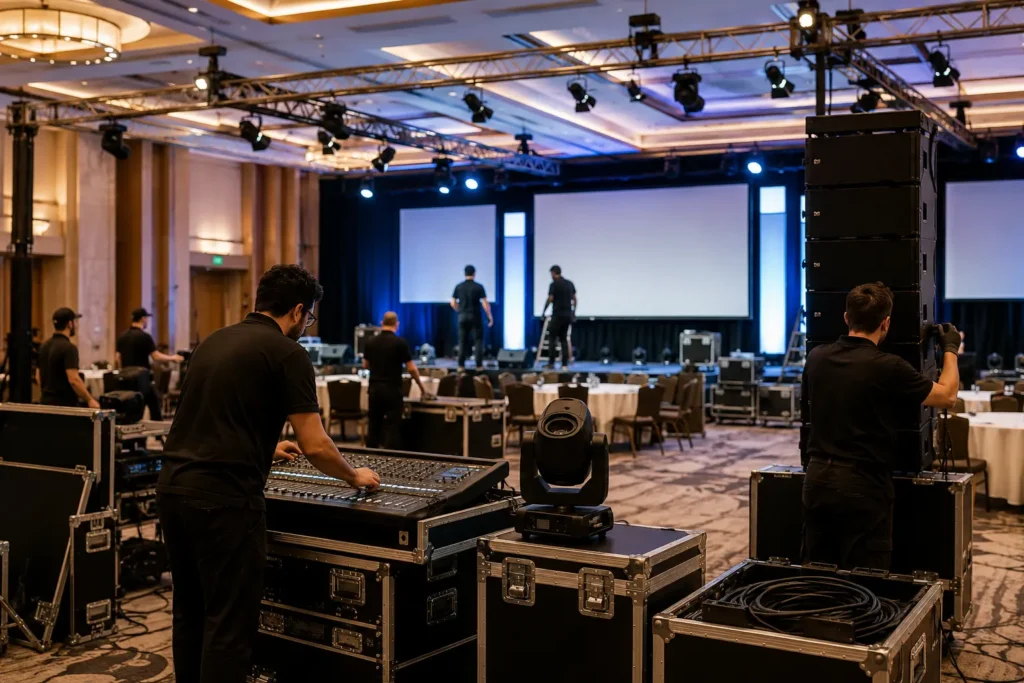
A good technology partner handles equipment setup, technical support, and collection. This way your team can focus on running the event itself.
Before you decide, compare your options using these major factors.
What to Look for in a Technology Rental Partner
Not every rental provider offers the same level of service. Some just ship devices, while others manage the full process from planning to collection.
These are the qualities worth paying attention to:
- Experience With Corporate Clients: Providers who regularly support corporate events understand tight deadlines and complex setups. So ask how many business events they’ve handled in the past year, since that gives you a clear picture of their reliability.
- Modern, Well-Maintained Equipment: Nobody wants a laggy laptop freezing during a live presentation. So make sure the rental options include current-generation devices and AV gear from trusted brands. Don’t forget to also confirm everything arrives in excellent condition.
- Flexible Rental Services: Your event might run for two days or two months. Either way, look for flexible terms that let you adjust the rental period without penalty (whether it’s short-term or long-term hire).
- Reliable Delivery Across Australia: A reliable provider will deliver and collect your equipment on time, wherever your event is held. Some rental companies even offer next-day delivery across major cities, like Sydney, Melbourne, and Brisbane, which helps when plans shift at the last minute.
- Fast Response Times: Things can go wrong at events, so quick support is essential. This means a provider who answers the phone promptly and sends help straight away is far more valuable than one that simply offers the lowest prices.
- Industry Know-How: The best rental partners don’t just take your order. They’ll recommend the right setup based on your event type, and that kind of consultancy can save you from over-ordering or showing up underprepared.
A rental company that ticks these boxes will make your planning far easier. And when event day arrives, you’ll have one less thing on your plate.
Why Professional Support Is Valuable
Even the best equipment can cause delays if no one is available to fix problems quickly. That’s why setup services are so useful.
A professional team can install the equipment, configure each device, and test every connection before your first attendee arrives. During the event, on-site technical support can quickly fix problems like a frozen laptop or a projector that stops working (so you don’t have to handle them yourself).
For larger events, some providers also offer project management and consultancy services. They can help plan your technology setup, coordinate delivery schedules, and manage both installation and collection.
This level of support helps events run more smoothly from start to finish.
Questions to Ask Before Choosing a Rental Company
Before signing any rental agreement, a few short conversations can show you if a provider can genuinely support your event, or if they’re just filling an order.
Below are the questions we recommend asking:
- Is on-site technical support included, or is it an extra cost?
- Can the provider pre-install your required software and operating systems?
- Are backup devices available if something fails during the event?
- How is each device tested and inspected before delivery?
- Can delivery and collection reach locations across Australia?
- What happens if your attendee numbers change at short notice?
- Does the provider follow data security and network security practices between rentals?
These questions help you compare providers on service quality, rather than just price. And the answers will tell you quickly whether a rental company is the right fit for your business event.
Better Technology Planning Creates Better Business Events
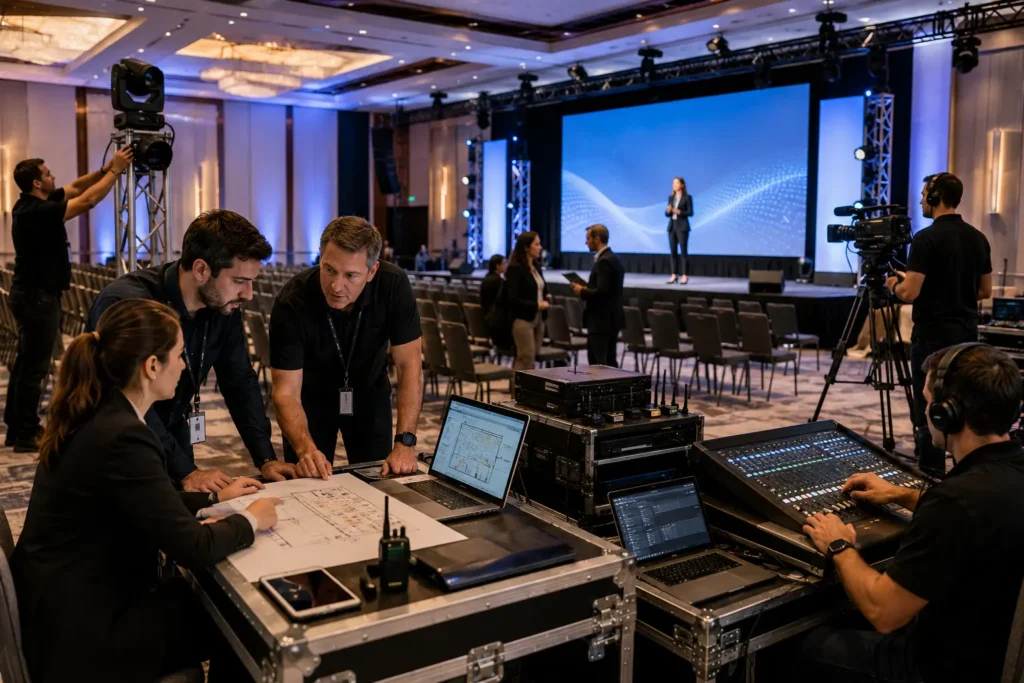
Everything we’ve covered comes back to one simple idea: better planning means fewer surprises on the day.
And that’s exactly why renting works so well. It gives you the flexibility to match equipment to your exact needs, even if those needs change at the last minute. With professional support behind your setup, your events are far more likely to run smoothly too.
A good technology partner will provide the equipment, while helping your event run smoothly and creating a better experience for your attendees.
If you’re planning a conference, training session, or corporate event anywhere in Australia, our team at A Vintage Affair Rentals can help. We offer flexible laptop hire, equipment rental, and AV solutions to suit your event needs.