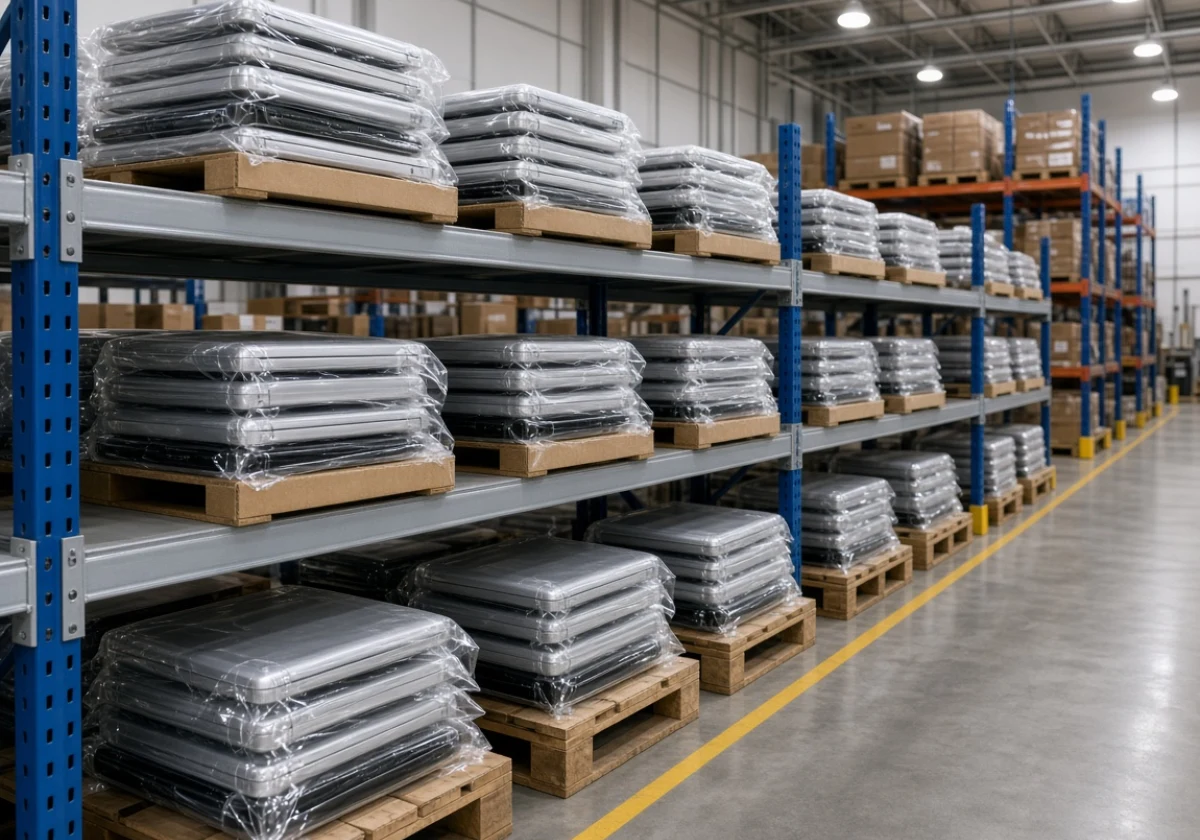
Renting computers for a software trial lets you test a new system without touching your main fleet. You get clean machines for a fixed period, and your staff keeps working on the laptops they already trust.
Most trials fall over at the install stage rather than the demo. A temporary computer rental keeps that risk off the desks that pay the bills, which is why some businesses book short-term hire from A Vintage Affair Rentals while they decide.
This guide covers which types of software testing suit hired machines, how hire terms compare, and what to install before day one. You’ll also see how to keep trial data off your own network.
Why Business Computer Hire Beats Testing on Your Main Fleet
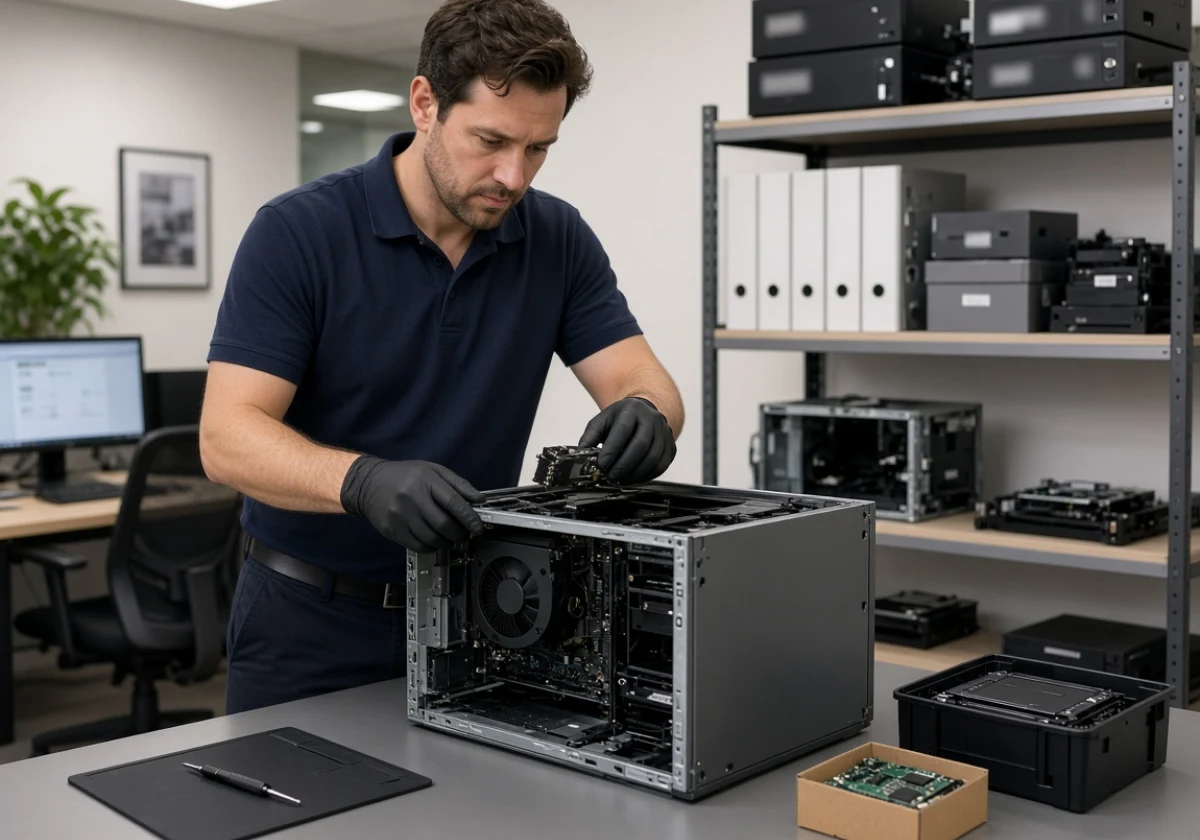
Plenty of companies discover a software conflict only after it has knocked out the machines their staff use daily. Uninstalling rarely puts a machine back the way it was. Background services, registry entries, and scheduled tasks often stay behind.
Still, hired machines break that chain. The trial never reaches the gear your business runs on, and the units go back when the period ends. You also get a fair comparison, since no leftover software fights the new system for memory.
Downtime makes the same case from the cost side. Uptime Institute’s outage research put more than half of recent serious outages above US$100,000. One day of lost trading across a sales floor outweighs a week of hire, and those orders don’t come back.
That’s why software development teams keep a dedicated testing environment well away from anything the business depends on.
Which Types of Software Testing Can You Run on Rented Computers?
Beyond the risk side, rented computers can handle most types of software testing. That includes both functional and performance tests on top of the regression checks. Any limits come from hardware specs and network access, not from the testing work itself. Most strategies carry across whether your own staff runs the tests or an outside service does.
Functional Tests and Performance Checks on Software Testing Computers
Functional checks confirm if the software does what the vendor promised. End-to-end checks go further still, since you run a whole workflow on the hired machine and log every step that breaks or stalls.
Performance testing comes next, and hired hardware gives you an honest read on software performance. Load testing pushes concurrent users at the application, while stress testing keeps climbing until something gives way.
That setup gives you a clean benchmark (no five-year-old laptop skewing every number you record). You’ll learn whether slow screens come from the new system or from your ageing fleet.
Keeping Software Quality Checks Separate from Daily Work
Software quality checks need focus, and a shared desktop never allows it. Test environment computers let your tester, or the QA engineers if you have them, work through test cases while the rest of the team keeps invoicing.
Manual and exploratory methods both suit this stage, because the tester works on the same setup staff will use on day one. Tracking results stays simpler too, since test management traces every outcome back to a single machine.
In our experience, teams squeezing quality assurance in between support calls miss the faults that cost the most later. Give the work a dedicated machine and the notes come back far more useful.
Regression and Compatibility Testing Before You Commit
Regression testing confirms the new software hasn’t broken anything that already worked. Run it against a copy of your real workflow without risking live data.
Compatibility testing covers the rest, because application testing across different operating systems and browsers shows where things fall over. Hired machines let you check each combination on its own, and mobile testing can run alongside when a mobile app is part of the roll-out.
Beyond QA, developers who shift testing earlier in the build can add unit and integration checks on the same hardware before anyone signs. System testing then ties the results together across your main use cases, so you commit on evidence rather than on a sales demo.
Hire Terms Compared: Choosing Test Environment Computers for Your Trial
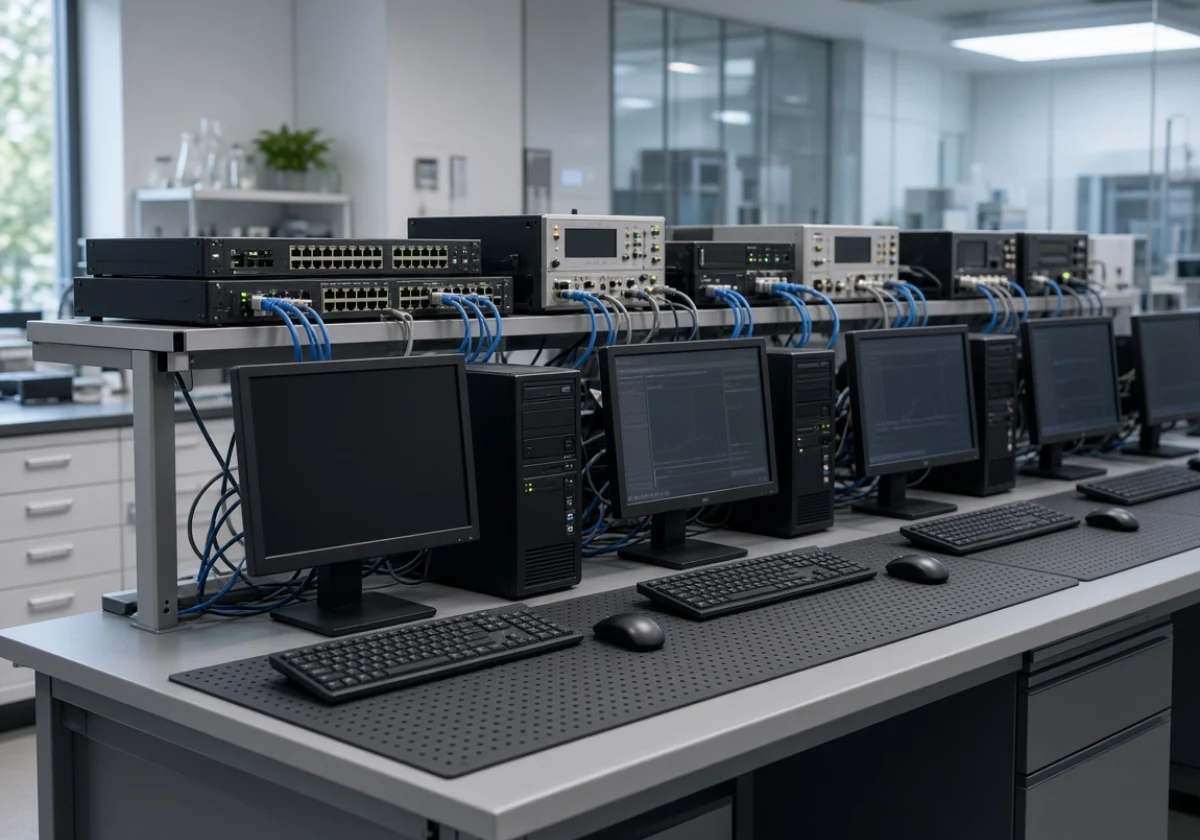
Picking the right hire term means you only pay for test environment computers while the trial runs. Suppliers usually quote daily, weekly, or monthly, and the gap between them adds up quickly.
Match your trial plan against the terms below before you book anything:
| Hire term | Best for | Watch for |
|---|---|---|
| Daily | Vendor demos and one-off checks | Setup can eat the whole day |
| Weekly | Functional and performance runs | Weekly rates often beat three single days |
| Monthly | Beta testing with a pilot group | Ask what happens if you finish early |
| Rolling | An open-ended testing strategy | Check the notice period before extending |
Any test plans that involve a pilot group run better on a monthly booking than on repeat weekly ones. Also, book a few days longer than your plan says, because setup always runs over (it does, on just about every build we’ve seen).
Loading Testing Tools and Test Automation onto Your Temporary Computer Rental
Rented hardware with no testing tools installed is just an expensive paperweight. Plus, planning before delivery keeps your first morning for the actual work rather than downloads.
The build list below follows the best practices you’d use on any new workstation:
- Testing Tools and Licences: Install your software testing tools first, and check that each licence, including any software testing services you subscribe to, covers a second device. We’ve watched trials stall on day one because a vendor counted the hired machine as a new seat.
- Test Automation Scripts: Automated testing saves hours once the suite runs, so copy your existing scripts and continuous integration jobs across early. API testing usually needs the machine on the same network segment as the services it calls. If your supplier delivers the machine off-network, ask your IT team to set up a VPN or a temporary VLAN before the hire period starts.
- Sample Data and Privacy: Before loading anything, swap live customer records for masked test data, and clear any penetration testing with the vendor in writing first. Read the supplier’s privacy policy as well, along with the OAIC advice on securing personal information, because the drive leaves your building when the hire ends.
- Handover and Wipe Steps: Clear notes beat memory once the trial ends and the hardware goes back. Record what you installed, which configurations you changed, and what the test results showed. Before returning the machine, run a full disk wipe using a tool like DBAN or the built-in reset, and confirm the wipe with your supplier in writing.
Set the machine up this way and day one becomes testing time instead of setup time. Keep the notes as well. They become the case studies that justify the spend to finance.

Ready to Trial Your New System the Safe Way?
Trialling new software on the machines your business runs on puts daily work at risk. Instead, a short hire keeps the test separate and gives you a clean answer.
So, work out your trial length, list what needs installing, and book the hardware before the vendor demo. Your staff keeps working while you make the call.
A Vintage Affair Rentals arranges short-term equipment hire for businesses that need gear for a fixed period. Contact the team to talk through your dates, delivery, and pickup, and keep your main fleet out of it.