
You’ve booked the venue, sorted catering, and confirmed speakers. But without proper event planning tech, all that work falls apart when your WiFi crashes under the load.
We’ve watched it happen before. Registration tablets freeze with queues forming at your entrance, as payment terminals go offline. These aren’t just delays; they wreck your reputation and stress out your entire team.
However, proper event planning prevents these disasters, and we’ve helped hundreds of Brisbane conferences avoid them.
This article covers the technical oversights most planners miss: bandwidth requirements, backup systems, equipment testing, and redundancy planning. Let’s walk through what goes wrong and how to prevent it.
Event Planning Tech Explained
Event planning tech includes the hardware and software equipment you need for a smooth conference management. Here, hardware means laptops, tablets, projectors, and WiFi routers. Whereas software covers registration platforms, attendee apps, and event management tools.
Both categories handle different parts of your event, so we’ll break it down.
Registration and Check-In Systems
Digital check-in systems speed up your entry process and collect better data than paper lists. Instead of manual name searches, you get tablets with QR code scanners that work instantly. These connect to badge printers that create professional name tags while capturing emails, phone numbers, and session preferences.
You can see exactly who showed up and which sessions they attended. And faster entry means shorter queues at your entrance. Platforms like Eventbrite integrate with these systems for smooth event registration.
Audio Visual Equipment
Now that guests are checked in, your next concern is making sure everyone can see and hear your presenters.
Projectors and screens let speakers share slides with large audiences. Sound systems carry their voices clearly across the room while stage lighting keeps speakers visible.
We’ve seen one conference lose 30 minutes when their projector died. So, no backup meant frustrated attendees and a delayed schedule. But having the right equipment is only half the battle.
Technical Support: Why Most Event Planners Skip It
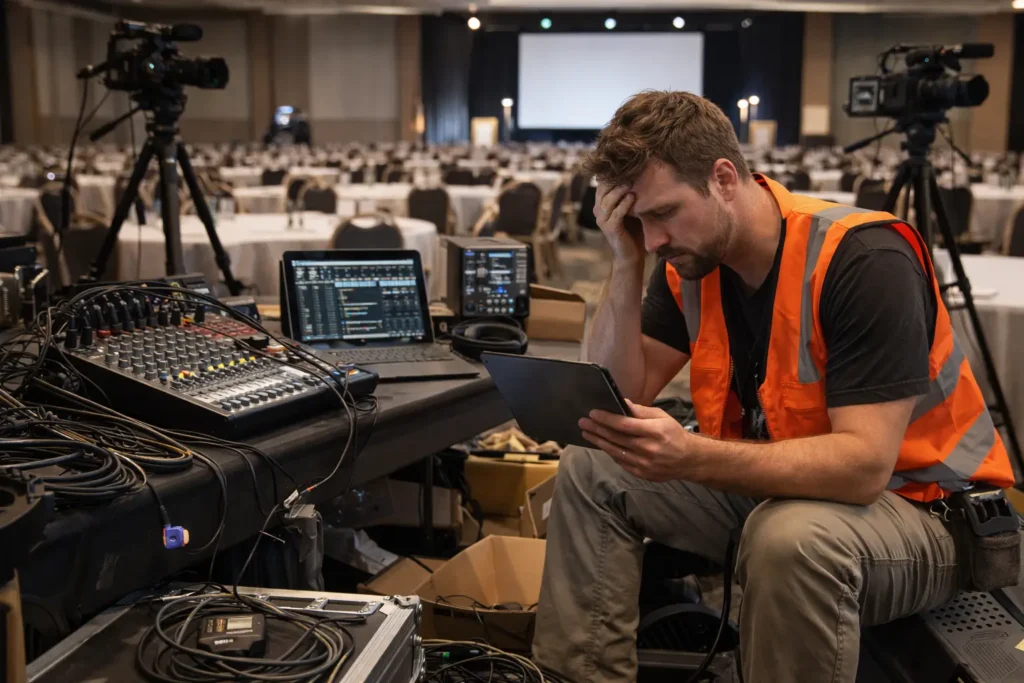
Most planners budget for equipment but forget the people who set it up during events. Let’s be real about why this happens: support staff get cut first when budgets tighten (we’ve all watched that scramble happen).
There are three reasons this keeps happening:
- Faulty Assumptions: Planners think laptops work like home devices. But event technology needs configuration and technical expertise when connections fail.
- Time-intensive Setup: Cable management takes hours. You’re building infrastructure that works from the moment attendees arrive, requiring on-site coordination.
- Budget Pressure: Cuts happen to support staff first. And without technical assistance on site, small issues become disasters.
Support staff can solve equipment problems quickly, but even the best technicians can’t help when your WiFi crashes without backup internet in place.
What Happens When WiFi Fails at Your Event?
As we’ve mentioned before, when WiFi fails, registrations stop, and payment terminals freeze instantly.
This creates a cascade of problems. For example, attendees can’t check emails or post photos, leading to immediate complaints. Your digital registration switches to manual backup, creating long queues at your entrance. Speakers can’t stream demos, and engagement apps stop working.
So here are the two things that prevent these disasters:
Bandwidth Requirements for Events
Different events need different internet speeds based on attendee count and usage. Now you might be wondering how much your conference needs:
- Small events (50-100 people): 10-20 Mbps for registration and browsing
- Medium conferences (100-300 people): 50-100 Mbps for presentations
- Large expos (300 people): 200 Mbps for live streaming and traffic
Video streaming uses 5-10 Mbps per user, while browsing needs 1-2 Mbps per device. So how do you know if your network can handle it? Multiply attendees by average usage to see when networks crash during peak times.
Getting internet bandwidth right prevents frustrated guests.
Mobile Hotspot Backup Options
Backup internet connections save your event when the venue’s WiFi crashes. In practice, this means you get two separate connections from different providers in case one fails. Beyond fixed connections, 4G/5G hotspots add another protection layer.
Location plays a role in backup planning, too. Through our work with Brisbane venues, we’ve found excellent Telstra and Optus coverage in the CBD, but basement and outdoor areas need testing first.
Testing Equipment Before Event Day
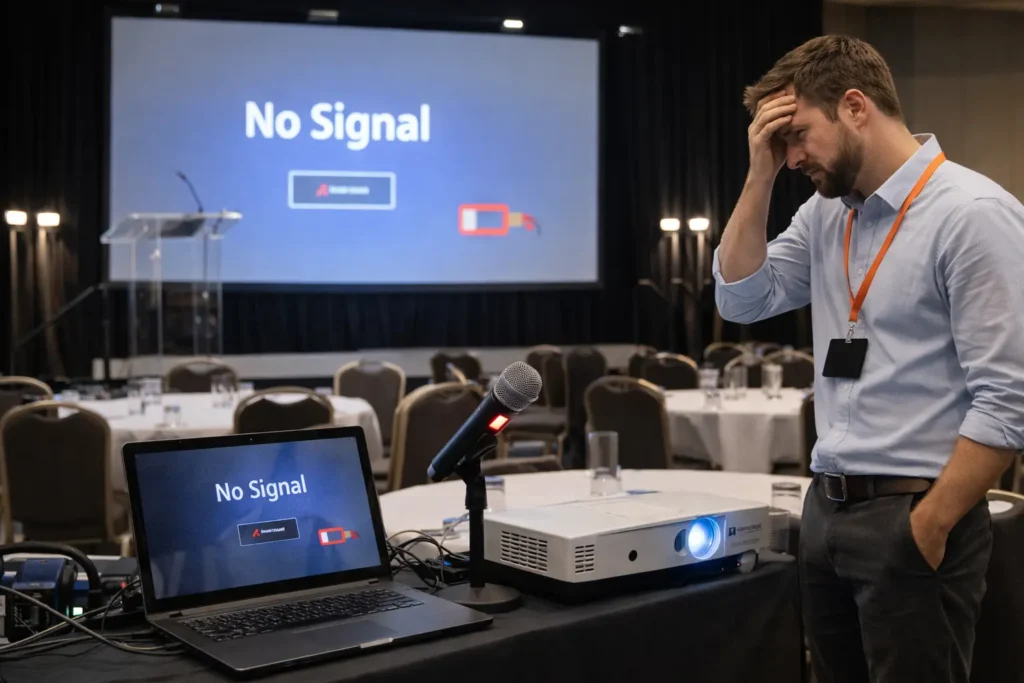
Most tech failures happen because nobody tested the projector connection, checked the microphone batteries, or ran a practice registration. The reason you need to test early is mostly to save on timing. Once your event starts, you can’t fix broken cables or replace dead batteries without disrupting everything.
Two areas need your attention.
Power and Charging Solutions
Battery backup systems keep your registration running when circuit breakers trip or venues experience brief outages. These units prevent you from losing attendee data or creating long queues at your entrance.
Charging stations add another layer of convenience by letting guests top up phones between sessions instead of hunting for wall outlets. Before you set up all this equipment, check your venue’s electrical capacity (because nobody ever thinks about this until breakers start tripping).
Equipment Redundancy Planning
Spare equipment saves events when your primary projector dies 10 minutes before your keynote speaker takes the stage. Which is why you need to start with the major items: spare projectors, laptops, and microphones for these types of failures.
Smaller items are just as important, though. Extra HDMI cables, power adapters, and batteries solve most of the technical issues within minutes. And here’s where things get interesting: you can stock spares yourself or pay rental companies for same-day replacement coverage.
Data Security: The Forgotten Event Tech Element
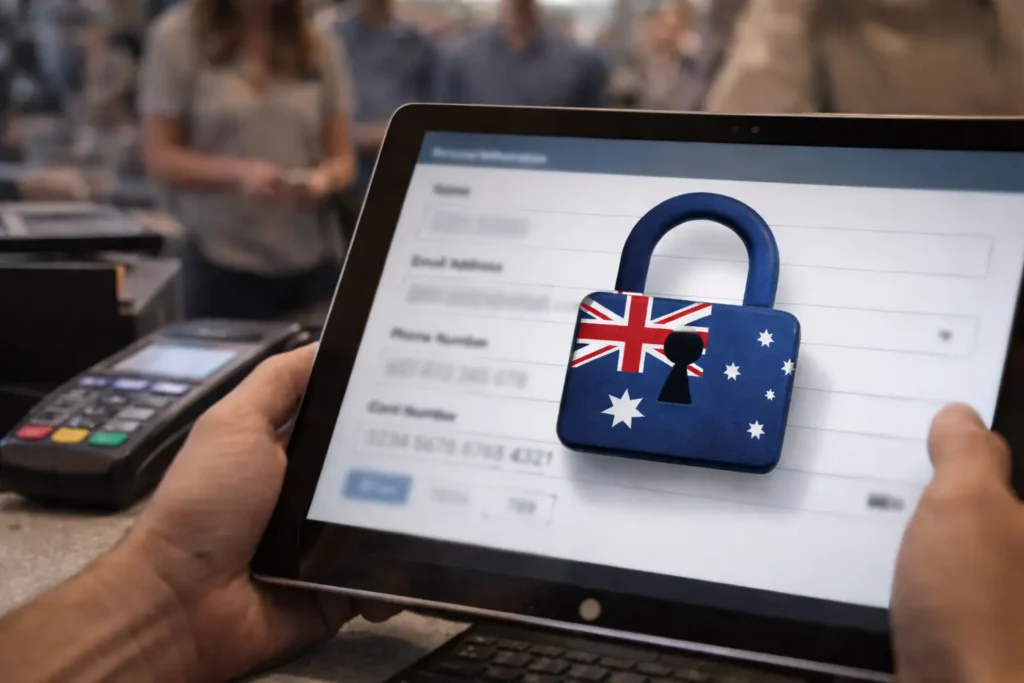
Proper data security protects your attendees’ personal information and keeps your Brisbane event compliant with Australian privacy laws. By personal information, we mean you’re collecting names, emails, phone numbers, and payment details throughout registration and check-in.
Once you have this information, you need to decide how to store it. For example, cloud storage lets multiple staff access data anywhere, while local storage keeps everything offline and more secure. Believe it or not, the Australian Privacy Principles require proper consent, secure storage, and clear policies for handling personal event data.
Ignoring these requirements risks fines and reputation damage. However, to prevent all these technical oversights, it all comes down to being alert and prepared with backups, as we have shared with you in this article.
Stop Tech Failures Before They Ruin Your Brisbane Event
Tech failures wreck events because organisers ignore the planning that prevents them. Technical support, backup internet, equipment testing, power redundancy, and data security demand attention weeks before doors open. Smart rental solutions eliminate every single risk.
We covered bandwidth calculations for different event sizes, mobile hotspot backups, equipment testing schedules, and power redundancy. You also learned data security requirements under Australian Privacy Principles to protect attendee information legally.
A Vintage Affair Rentals provides a wide range of tested equipment for Brisbane clients. Our company delivers tailored solutions backed by expertise for successful events that create an exceptional event experience. Our team handles every requirement for events that run flawlessly.
Get your tech sorted before your next event starts.