
When a laptop rental ends, any business data left on the drive can remain there unless you remove it properly before returning the device. Teams often hand back laptops as soon as a project finishes, leaving little time to check where files are stored or remove sensitive information.
That oversight creates a security risk because rental laptops are often reused by other clients. Businesses typically hire them for events, temporary offices, or busy periods, so the devices can change hands quickly. Providers such as A Vintage Affair Rentals move equipment between clients, which means your files could still be on a laptop when someone else receives it.
To protect your business information, you need to know where your files are stored and how to remove them safely. This guide covers where your files hide, why deleting them changes little, and which privacy questions your provider should answer. Let’s get into it.
Business Laptop Rental: What Really Happens to Your Files at Handover?

Files on a returned laptop sit there until someone overwrites them. Nothing in the handover removes a file, so the machine changes hands with your information intact.
Three things are worth knowing before you sign the return docket: where files hide, what deletion really does, and what happens back at the depot.
Where Sensitive Information Hides on a Hired Machine
Sensitive data can remain in several places on a laptop, so checking the desktop alone won’t catch everything. Files saved during a project may still be on the device, even if you no longer see them in your main folders.
Your browser also stores information you might overlook, including saved passwords, cookies, autofill details, and your email address. If you don’t clear this data before returning the laptop, the next user could access traces of your browsing activity or account information.
Other copies of your data may remain in cached web pages, email attachments and print queues. For example, a spreadsheet sent to the printer or an attachment downloaded from your inbox may still be stored on the device after you’ve finished using it. Checking these locations helps you identify what needs to be removed before handing the laptop back.
Why Deleting Files Does Not Remove Data From Laptop Storage
Deleting a file doesn’t always remove its contents from the drive. Instead, the system may simply remove the file’s reference, leaving the data in place until new information overwrites it.
Because the data remains on the drive, recovery tools may restore files even after you’ve emptied the Recycle Bin. A full reset offers better protection than deleting files individually, but the level of security depends on how the reset is performed.
For laptops with full-disk encryption enabled, securely erasing the encryption key can make the stored data unreadable without wiping every part of the drive. This process is often much faster than overwriting the entire drive, which makes it a practical way to protect sensitive information before returning a rental laptop.
What Happens to Returned Devices at the Rental Depot
Most rental providers check returned laptops, reset them, and prepare them for the next client, often within 48 hours. However, the speed of this process doesn’t guarantee that your data has been removed securely.
The problem is that providers follow different data-wiping procedures. Some may only clear the previous user’s profile, leaving other data behind. If the laptop also misses important security updates, the next user could face known security vulnerabilities.
That’s why you shouldn’t assume the rental company will handle everything. Once you return the laptop, you have little control over how the provider removes your data or prepares the device for its next user.
Why Leftover Files Are the Biggest Rental Laptop Data Security Risk

Poor data handling can lead to a reportable data breach under Australia’s Privacy Act. Organisations must report eligible breaches likely to cause serious harm. OAIC figures show 1,113 notifications in 2024, the highest annual total since the scheme began.
For example, a real estate agency might hire six laptops for an open-home weekend in Sydney. Staff download tenancy applications, ID scans and bank statements, then forget to remove them before returning the devices. When the next renter signs in on Monday, those sensitive files may still be sitting in the Downloads folder.
The next renter could access this information without trying to snoop. Leftover contact lists also help scammers target clients with convincing phishing emails that appear to come from the agency. And data theft doesn’t always require a hacker to break into a system. Sometimes, sensitive information is simply left behind.
Once a breach occurs, the damage can spread quickly. News may reach clients through social media before the agency has time to contact them directly. One agency we’ve seen spent three weeks preparing notification letters after a single laptop was returned without being wiped.
The financial and reputational costs can be serious. Privacy Act penalties sometimes reaches millions of dollars, and insurers may ask what security measures the business had in place. But the main risk is actually the sensitive business information left on the device after it’s returned.
Computer Rental Security Steps to Take Before You Hand the Laptop Back
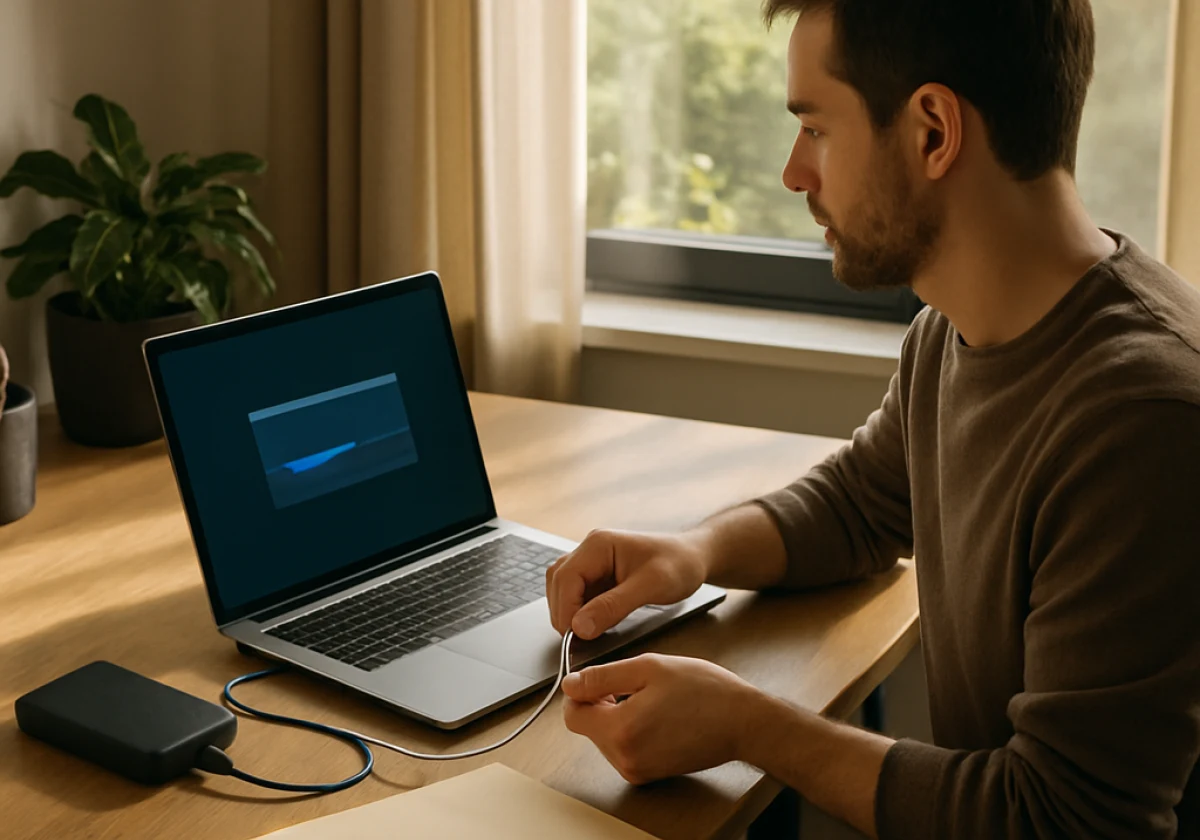
A secure wipe can take less than an hour and helps protect your business data when returning a rental laptop. Since you know which files and accounts you used, remove your information before handing the device back. Encrypting the drive from the start adds another layer of protection.
Work through these five steps on the final morning of the hire, in this order:
- Back Up What You Need: Save the files you still need to cloud storage or an external drive. Check that your backup works before removing anything from the laptop.
- Browser and App Sign-Outs: Saved passwords, cookies, and autofill details can remain in your browser profile. Sign out of your accounts and clear this data to reduce the risk of exposing personal or business information.
- Move Your Two-Factor Authentication: Keep your login codes accessible by moving your authenticator app to your phone before resetting the laptop. This helps you avoid being locked out of your accounts later.
- Run a Full Factory Reset: Windows and macOS include reset options that remove user data, although the process and security level vary by device and settings. Allow enough time for the reset to finish before returning the laptop.
- Check Removable Storage: USB drives and memory cards can hold sensitive files too. Remove any connected storage and check its contents before handing the equipment back.
Make sure to treat the backup and reset as parts of the same task. Then confirm your files are safely stored elsewhere, and make sure the reset finishes successfully. Strong passwords and security software help protect your accounts, but they can’t remove data left on the laptop.
Privacy Checks: Questions to Ask Your Rental Provider
Once you’ve sorted your own clean-up routine, check what your provider does on their end. You’d be surprised how much one short call before the hire ends tells you about their data privacy.
Four questions separate a provider with documented security practices from one that improvises.
| Question to ask | What it tells you |
|---|---|
| How do you wipe returned laptops? | Whether staff overwrite the whole drive with proper security tools or just delete the profile. |
| Can you issue a wipe certificate? | Gives you a dated record for audits and insurance claims. |
| Where do you publish your Privacy Policy? | Shows what the service keeps about your account, and who has access control. |
| Who handles the device in transit? | Covers courier handling and your data in transit between offices. |
The answers should give you a clear idea of how the provider protects your data after collection. If staff can’t explain their process or provide written details, ask for that information before booking. You can also compare their procedures with Australian Cyber Security Centre (ACSC) guidance on securely sanitising devices.
Hand Back the Laptop, Keep Control of Your Data
When you return a rental laptop, your business information should stay protected. Files left on the device may remain accessible if they haven’t been securely erased, putting sensitive client and company details at risk.
Before the courier arrives, set aside an hour to back up your files and reset the laptop. You should also ask your provider the four security questions above while the hire is still active, so you know how they’ll handle your data after collection.
A Vintage Affair Rentals supplies hire equipment for businesses and event teams across Australia. Contact us to book your next hire and get the handover process in writing.