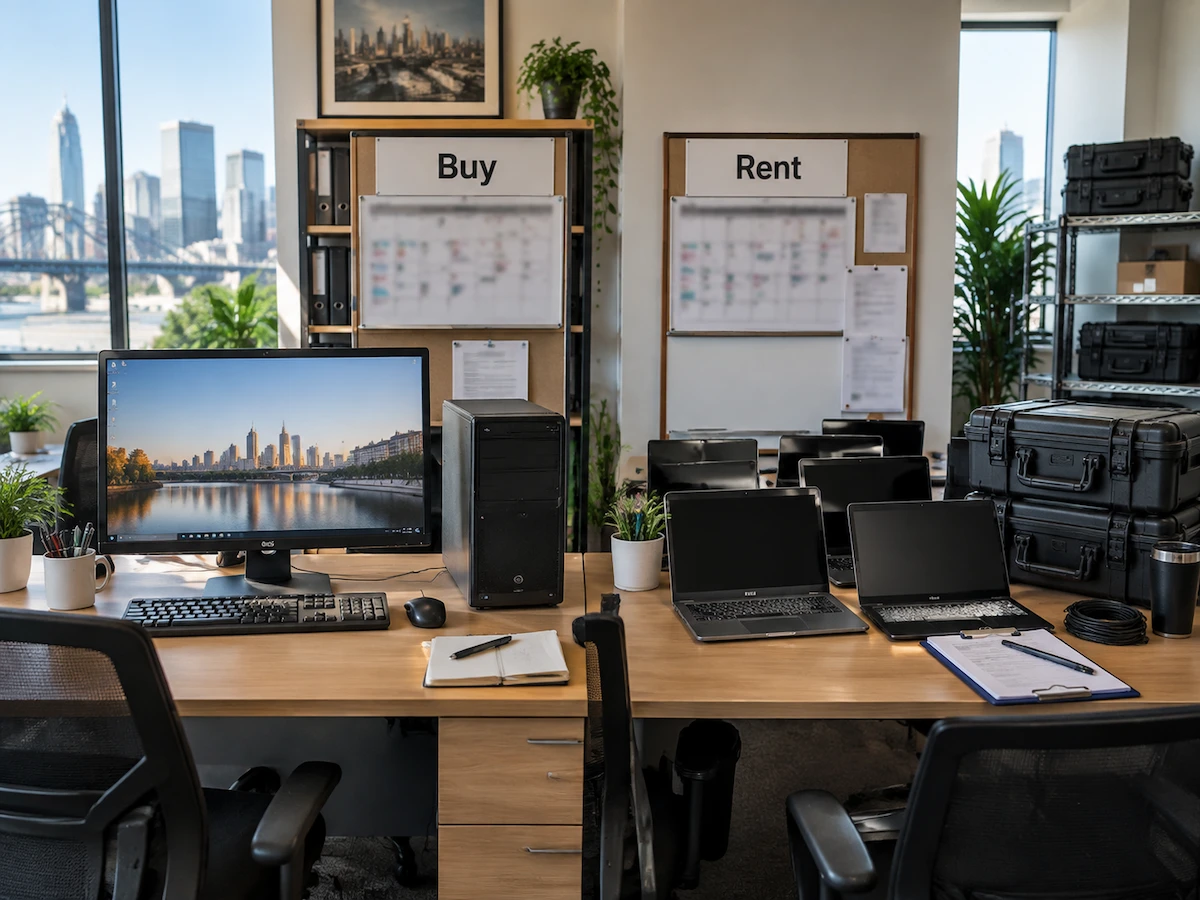
Buying vs renting computers during seasonal business demand depends on how long your extra workload will last. Sometimes, a six-week rush and a permanent hiring plan pull your budget in completely different directions.
However, most teams only spot the problem when the invoice lands, long after the busy period has finished. And this is the same trap plenty of Brisbane operators fall into every spring when their order volume climbs.
To prevent that, this guide breaks down the real cost of each option, the terms worth checking, and the setup that fits your calendar. Let’s work through it.
Rent vs Buy Computers: What Seasonal Businesses Need to Know

Most Brisbane businesses do not realise how much a slow season costs them in idle computers. A machine bought for December’s peak time still sits on the shelf through February, which slowly loses value every month.
The three points below sort out which side of the rent vs buy computers question your calendar actually lands on.
1. Renting Computers to Handle Short-Term Spikes
Short bursts of work suit rental because the spending stops the day you hand the gear back. For example, a stocktake crew running four weeks of data entry does not need eight machines on your books forever.
Because of this, renting laptops keeps your headcount flexible when you bring on casual staff for short-term projects. You scale from five seats to twenty in a week, then back down again (no procurement queue involved).
In practice, that freedom is the whole reason seasonal computer rental exists, and it is why retail and events teams lean on it so heavily.
2. Does Buying Make Sense for Year-Round Teams?
Yes, buying makes sense when the same person uses the same machine every working day of the year. To be more specific, ownership beats rental once a device passes roughly 18 months of steady daily use.
That happens because the purchase price spreads across three or four years of service instead of a handful of billing weeks. Your accountant depreciates the hardware, and the asset keeps earning after the payments finish.
To be honest, that maths only holds if your workload never dips, which is rare in trades, hospitality and retail.
3. Rental Terms Should Match Your Busiest Months
Rental terms decide if you should save money or pay for weeks of downtime, so read the minimum period before you sign. For example, a three-month minimum rental term on a six-week project means you pay for equipment after the work has already finished.
From there, check what the rental service includes: delivery, setup, swap-outs and a support line that answers during your trading hours. We have watched clients lose a full day of invoicing while they waited on a replacement charger.
Additionally, you can ask rental providers to end the agreement in your less crowded week rather than on the calendar month (that single change saves thousands).
Why Does Renting Save Money on Laptop Costs?

Renting saves money on laptop costs because you pay only for the weeks you truly need extra devices. The rest of the year, that money stays in your account instead of sitting unused in a cupboard.
Moving to the numbers, four cost levers explain the gap between the two approaches.
- No Large Upfront Bill: Instead of a large upfront payment for ten machines, you spread a smaller weekly fee across the busy period. As a result, your upfront costs drop to a deposit and the first invoice.
- Repairs Sit With Provider: Faults, cracked screens, and dead batteries become the provider’s job under most agreements. That removes both the repair bill and the two-week wait from your side of the ledger.
- Access to Newer Machines: Rental providers regularly update their computer stock, so your team can use newer devices without your business buying replacement machines every few years.
- Fewer Idle Assets: Returning gear at the end of a peak means you carry no depreciation on equipment that nobody opens for eight months.
Verdict: Rental wins on pure cost whenever your extra seats run for under six months. Past that window, the fee total starts creeping above a purchase price.
Buying Computers Suits Businesses With Steady Equipment Needs
Owning your computers outright means no rental fees eating into next year’s budget. With the rental side clear, ownership deserves the same honest look for the desks that stay occupied all year.
Compare the two choices side by side before you commit a cent.
| Factor | Renting | Buying |
|---|---|---|
| Upfront spend | Deposit plus a weekly fee | Full price for every device |
| Best suited to | Peaks running under six months | Daily use beyond two years |
| Repairs and support | Included in the rental service | Your cost once warranty ends |
| Hardware refresh | Every rental cycle | Every three to four years |
Overall, the right column wins when a machine earns its keep daily for years on end. Meanwhile, the left column wins when the work has a clear finish date on it (and most seasonal work certainly does).
Weighing Flexibility, Cash Flow and Support Before You Decide

Now that you know the costs, weigh flexibility and support to make the final call.
Generally, renting offers flexibility you cannot buy back later, while a purchase locks your choice in for years. However, cash flow often decides the better option, since a weekly rental fee keeps working capital available for stock and wages.
Beyond the money, think about who fixes a dead machine at four o’clock on a Friday. In this case, solid computer rental services like A Vintage Affair Rentals keep spare units on the shelf and swap a faulty device the same day. So if you buy instead, you own that problem plus the drive out to a repair centre.
Support aside, data handling deserves a proper look before you rent a single machine for your team. Ask how the provider wipes drives between clients, and read the “Privacy Policy” covering your customer records.
From years of arranging Laptop Rental for event crews across Queensland, we’ve understood the deciding factor is rarely the headline price. People want their hardware to arrive configured, on time, and with a support number a human answers.
Ultimately, pick the option that suits how one busy season really runs rather than how the spreadsheet reads in January.
Getting the Right Setup for Your Next Busy Season
Your calendar answers the renting or buying question more quickly than any online calculator does. Simply put, short peaks favour rental, and steady year-round desks favour ownership.
So map your next busy stretch week by week, then count how many seats you need at the top of it. That number tells you exactly what to book or buy.
Ready to lock in your setup? Talk to A Vintage Affair Rentals. We supply the short-term computer hire Brisbane businesses rely on through peak season. Contact us for a quote built around your dates.